
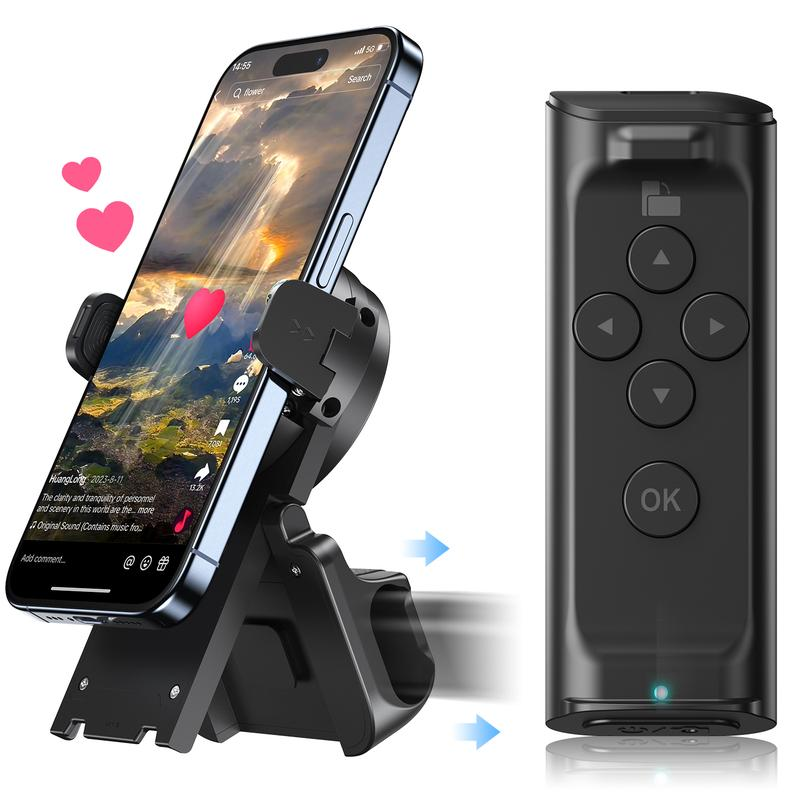
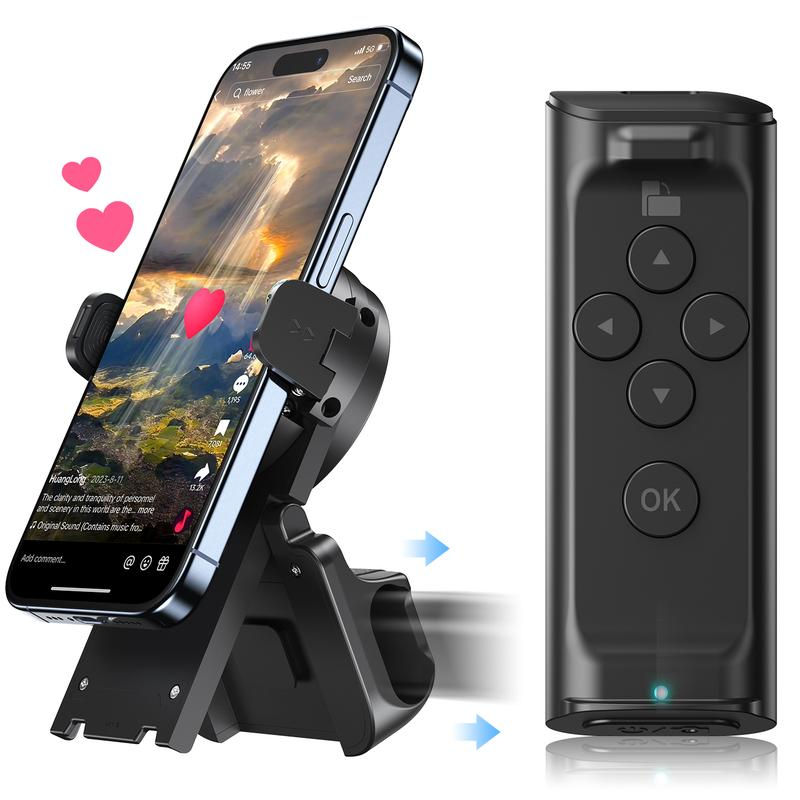




PUTARE TikTok Scrolling Remote with Phone Stand & Camera Shutter
$39.99
Description

Scroll Smarter, Capture Better – Hands-Free Control for TikTok and More!
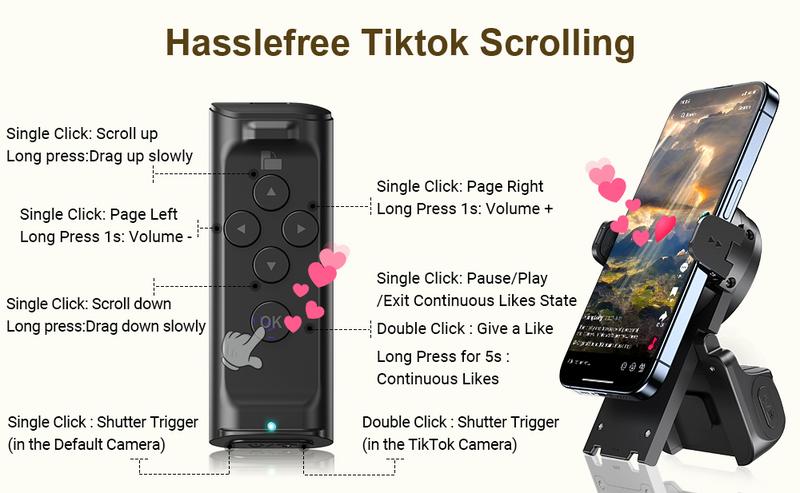
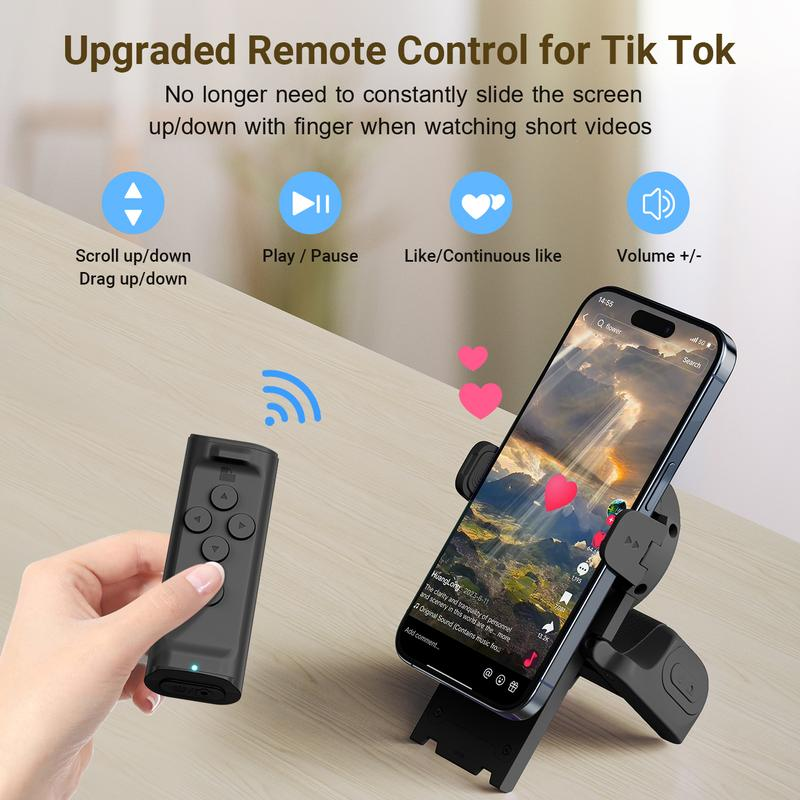
Lazy Remote Control for TikTok Scrolling
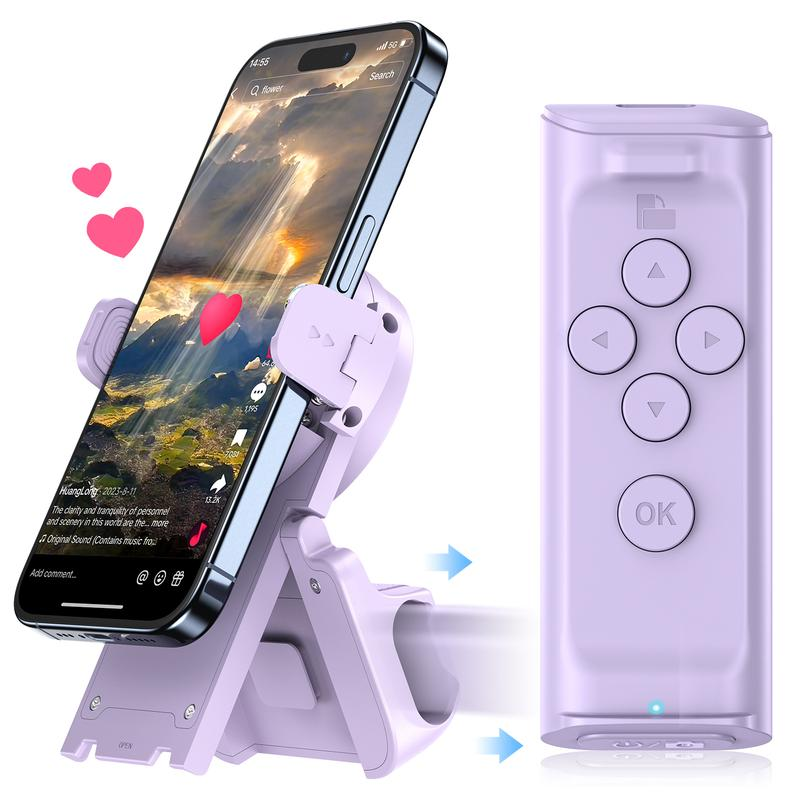
Our wireless remote effortlessly control Tik Tok videos scrolling. Control everything—swipe up/down, pause/play, adjust volume, and give likes continuously. Easily engage with live streams by unlimited likes feature. Enhance your hasslefree Tiktok experience.
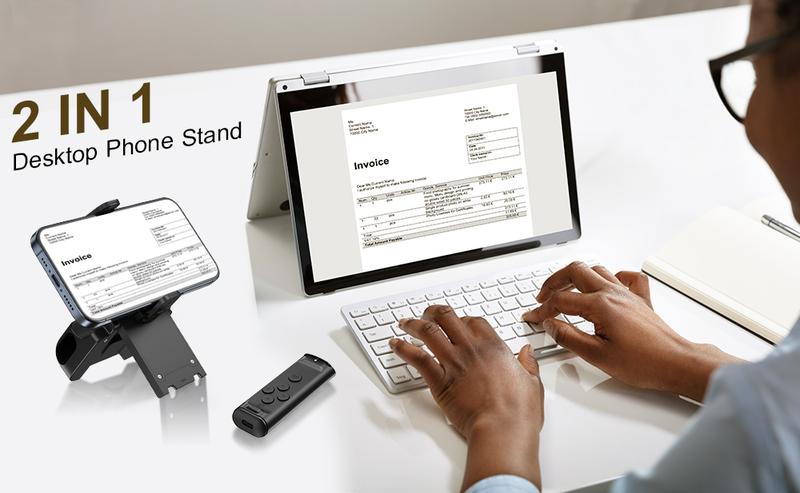
Rotatable Phone Stand for Comfort and Ease
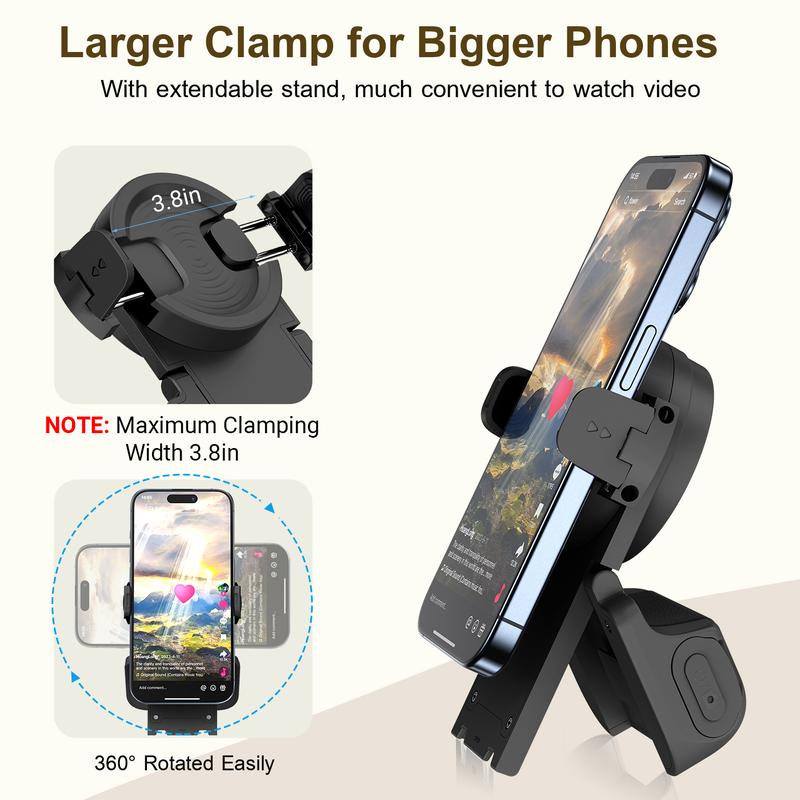
With adjustable design, this desktop holder allow you to adjust your preference viewing angle. Enjoy hands-free comfort whether watching videos, video calling, or charging. Play a good role in your office, kitchen, nightstand, dining table(Fits devices up to 3.8 inches wide)

Camera Shutter & Video Recording Remote
This remote allows you to trigger image or video recording from up to 65 feet away, enabling you to take family photos, selfies or videos by yourself, no matter where you are.(NOTE: Upgraded version works with default camera & Tiktok’s camera function)

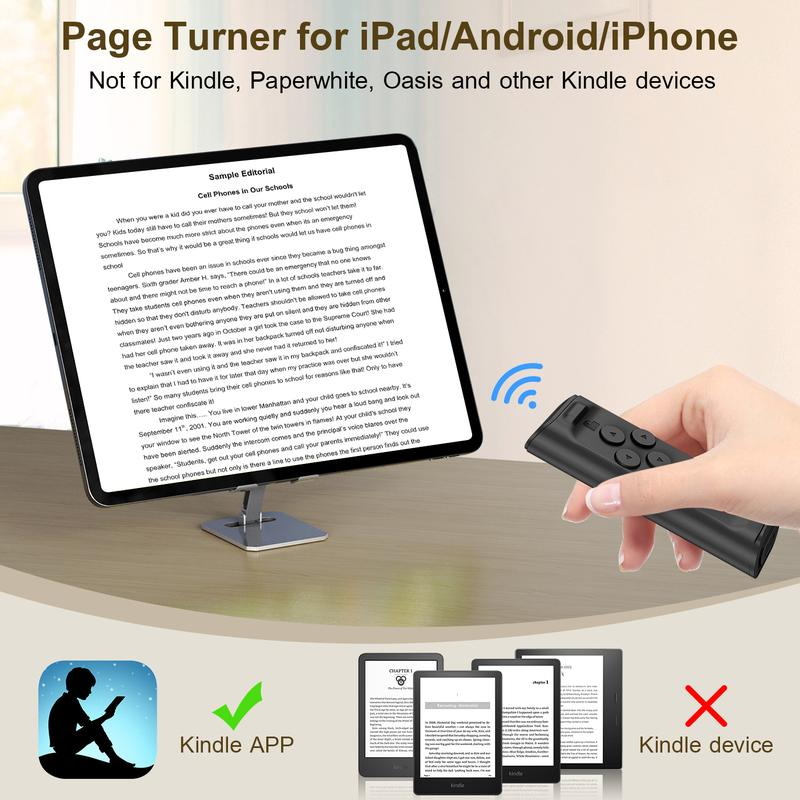
Page Turner for Kindle/E-Books App
Our multifunctional remote control scroller helps you turn pages in the Kindle app for a more comfortable reading experience. Ideal for long reading sessions.(Note: ONLY compatible with Kindle APP or other e-book APPs & NOT support direct use on reading devices)
Power-Saving Mode & Easy to Set-Up
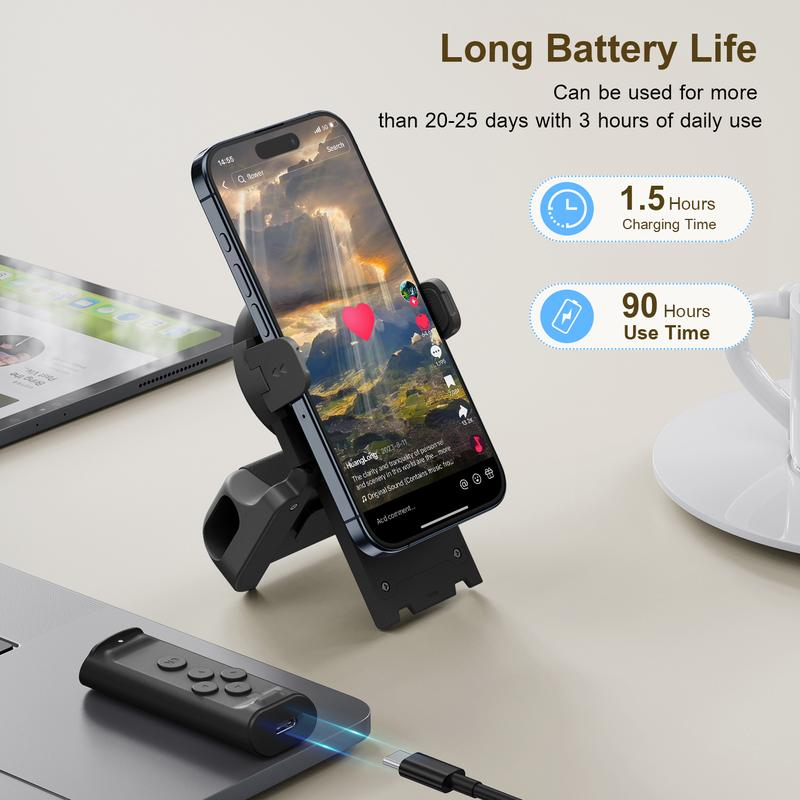
- Enjoy up to 90 hours of use on a single 1.5-hour charge. The remote automatically powers down after 3 minutes of inactivity to save battery.
- Long press 3s ‘Power’ button to turn on the remote, quick bluetooth-compatible setup via “TK-Pro” connection.
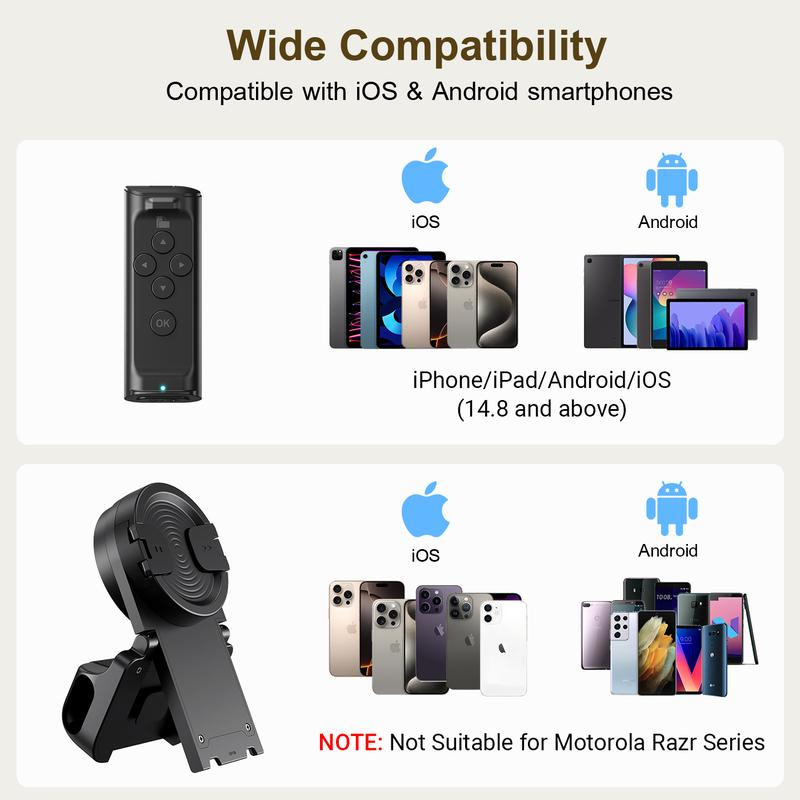
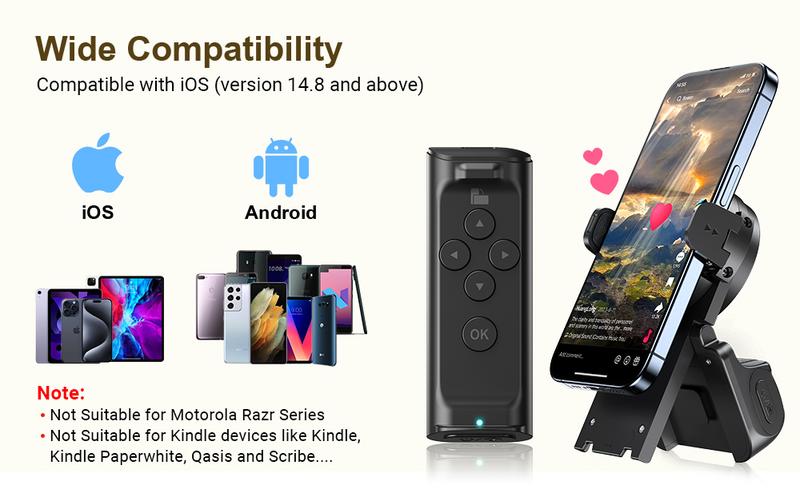
PUTARE Scroller remote is compatible with iOS(version 14.8 and above) and Android devices.
NOTE: NOT Compatible with Motorola Razr Series.
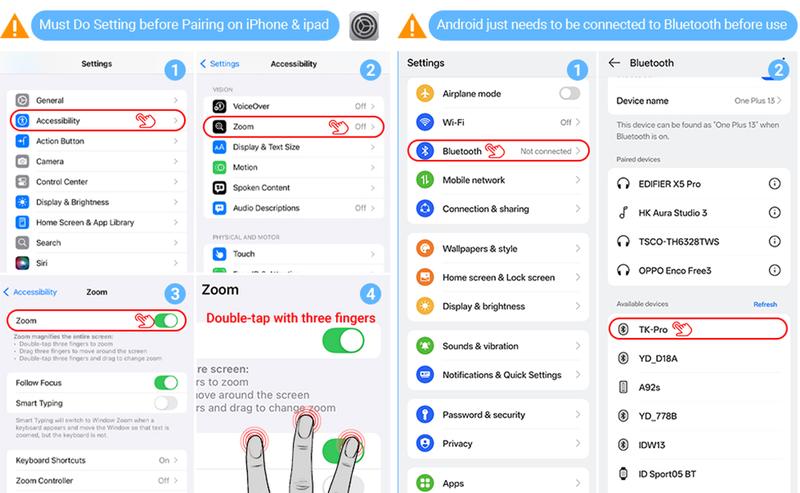
MUST DO before Pairing on iPhone/iPad – Open the ‘Zoom’feature.
Through ‘Settings’ – ‘>Accessibility’ – ‘Zoom’ – Double-tap the screen with three fingers to restore (Step 1-4)
NOTE: Some users may encounter the following problems:
- Zoom in on your phone screen – After turning on Zoom, the phone screen will zoom in. Double-tap the screen with three fingers to Zoom out.(Step 4)
- Doesn’t work when used again – Long press ‘Power’ and ‘OK’ button at the same time to disconnect the previous device, then you can reconnect the device and use

Additional information
| Color | Purple, Black, Pink |
|---|
Related Products




Reviews
There are no reviews yet.